
Prompt Enhancer
Turn a rough instruction into a clearer, more useful prompt for ChatGPT, Google Gemini, Claude, and Perplexity, entirely in your browser with Google's Gemini Nano.
Compatibility: Chrome 138+ on Windows 10/11, macOS 13+, Linux, or Chromebook Plus with ChromeOS Platform 16389+, plus 22 GB free and eligible hardware.
Why Prompt Enhancer?
100% Privacy-First
Runs entirely in your browser using Chrome's built-in AI. Your prompts never leave your device or touch external servers.
Instant Enhancement
One-click enhancement with streaming responses. Watch your prompt transform in real-time, token by token.
Add Context Mode
A draggable context box that asks a few clarifying questions, then rewrites the prompt around your answers.
Multi-Platform Support
Use the same controls on ChatGPT, Google Gemini, Claude, and Perplexity.
Keyboard Shortcuts
Use Ctrl+Shift+E to enhance or Ctrl+Shift+D for context mode without opening the extension menu.
Prompt History
Saves up to 20 enhanced prompts on copy or insert. Click any history item to copy it to clipboard.
See It In Action
Before
“Give a 3 day plan to Italy”
After Enhancement
“Plan a three-day trip to Italy for [traveller type]. Include [cities], [budget], daily priorities, transport, and practical notes. Ask for missing details before suggesting bookings.”
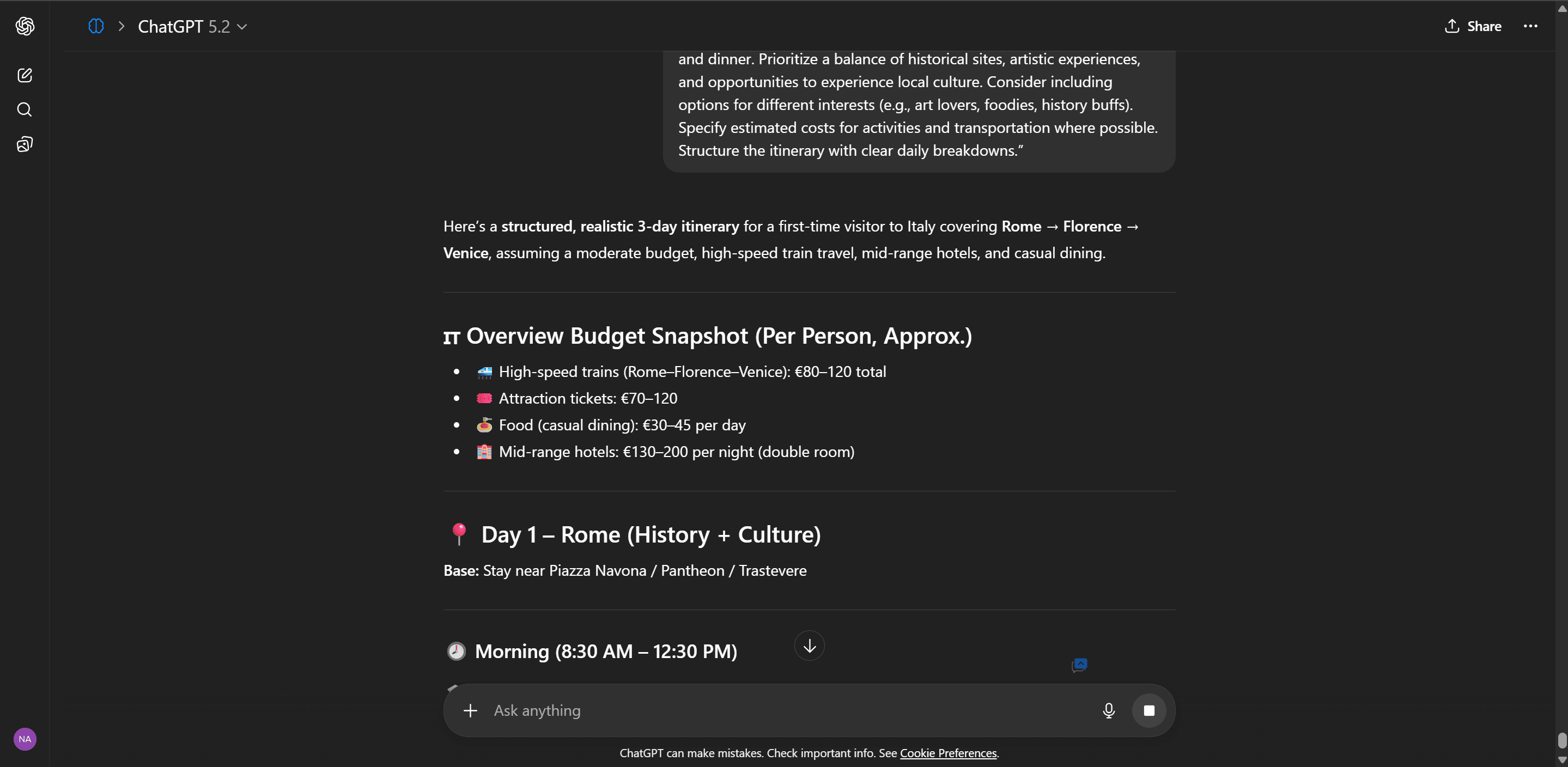
Click the enhance icon near the text box · Ctrl+Shift+E to enhance · Ctrl+Shift+D for context mode
Get Started in 3 Steps
Chrome 138+ · Windows, macOS, Linux, or Chromebook Plus with ChromeOS Platform 16389+ · 22 GB free and eligible hardware required
Install the Extension
Add Prompt Enhancer from the Chrome Web Store. Before installing, check Chrome 138+ on Windows 10/11, macOS 13+, Linux, or Chromebook Plus with ChromeOS Platform 16389+, and 22 GB free on the Chrome profile volume.
AI Model Sets Up Automatically
On first launch, the extension checks whether Chrome can prepare Gemini Nano. Use an unmetered connection for the first model download; model size and download time vary. The welcome page shows setup status.
Start Enhancing
Open ChatGPT, Google Gemini, Claude, or Perplexity, type your prompt, and click the enhance icon near the text box or press Ctrl+Shift+E.
Frequently Asked Questions
How It Was Built
Medium · Pranava Kailash
Prompt Enhancer: Bringing Local AI Power to Your Browser
A deep dive into building a Chrome extension that runs 100% on-device using Chrome's built-in Gemini Nano via the Prompt API. No API keys, no servers, no privacy trade-offs.
Read on MediumTry it on your next prompt.
The core is currently free. It needs no API key or sign-up, and the extension does not upload prompts to its own servers.
Install Prompt EnhancerChrome 138+ on a supported desktop OS or Chromebook Plus with ChromeOS Platform 16389+ required